
Symbols everywhere
Headings, tables and checklists show up as symbols, so long documents are hard to read.
# Markdown viewer and editor for Android
MD Viewer scans your phone for Markdown, lists it in one place, and lets you read, edit, and share as PDF or HTML. No account. No internet needed.
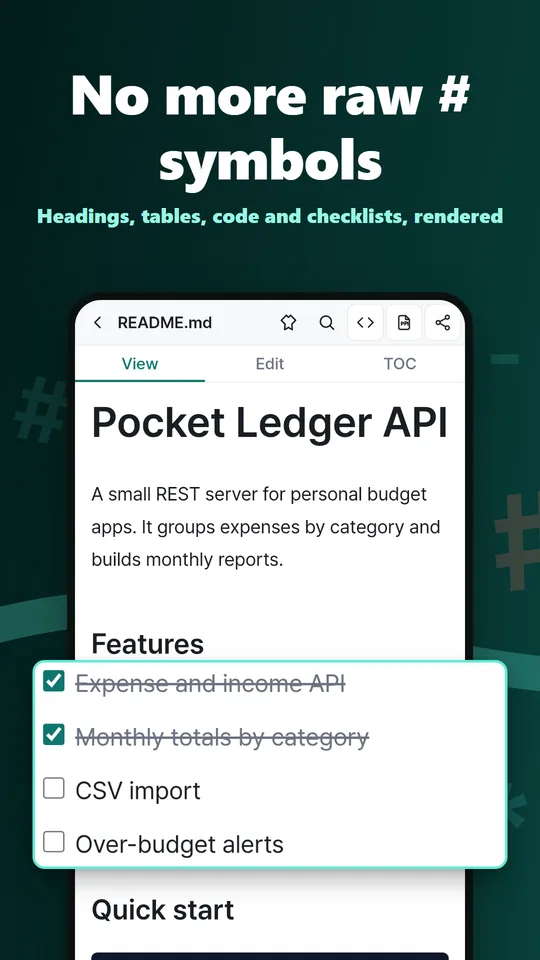
MD Viewer is an offline Markdown viewer and editor for Android. It finds .md and .markdown files on your phone, renders them for reading, and lets you edit, jump by table of contents, and export to PDF or HTML. Opening Markdown in a file manager usually shows raw # and * characters, and pasting it into a notes app scatters your source files. MD Viewer opens the file where it already is and does everything on the device, with no account or cloud login.
READMEs, lecture notes, and documents written by AI tools often arrive as .md files, but a phone's built-in file app shows them as raw text.
Headings, tables and checklists show up as symbols, so long documents are hard to read.
.md files from downloads, Drive and messengers end up in different folders and are hard to find again.
Obsidian wiki links, callouts, math and diagrams look broken in a plain viewer.
Note: when a repository has a README file, GitHub shows it on the repository's front page (READMEs are usually written in Markdown). Source: GitHub Docs, About READMEs
Try it in your browser
Paste Markdown to count words, Korean/CJK characters and estimated reading time, using the same rules as the status bar in MD Viewer. Your text is saved only in this browser and never sent to a server.
Result
Words
–
Korean/CJK chars
–
Reading time
–
Paste some Markdown and press Calculate.
Formula: round up (Latin words ÷ 200 + Korean ÷ 500 + Chinese/kana ÷ 400) minutes, minimum 1 when there is any text
Code blocks, inline code, link URLs, Frontmatter and Markdown symbols are not counted. This is an estimate; real reading speed varies from person to person.
[Open this document in the app and save it as PDF (free app)]In the app, word count and reading time show at the bottom of every document.
Everything runs on your device. All of the features below are free.
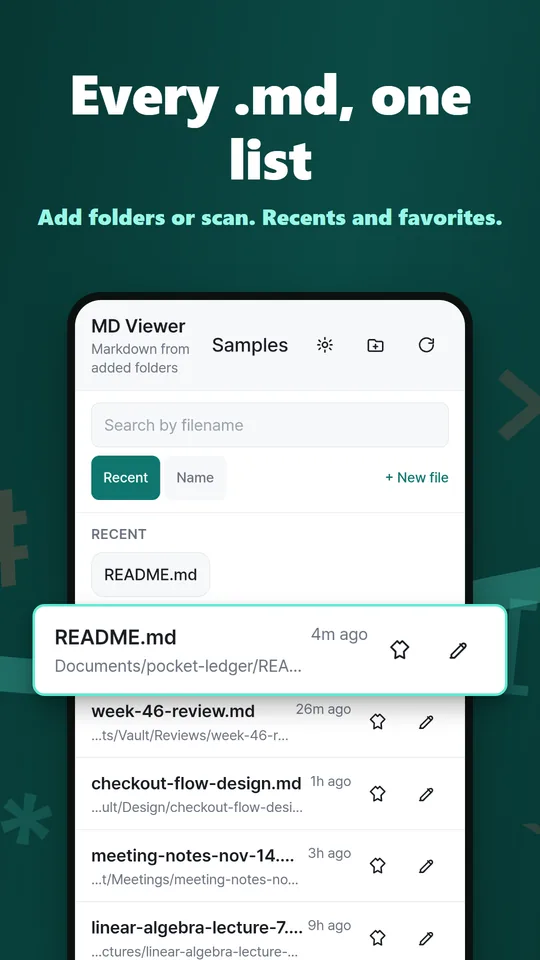
Add internal, SD or USB folders, or run a full scan to list every .md in one screen. Recents, favorites and name search.
Open .md and .markdown straight from Files, Downloads or Google Drive. Shared text and clipboard text become new notes.
Switch between viewing and editing the same document, and jump to any heading of a long README. Reading position is restored per file.
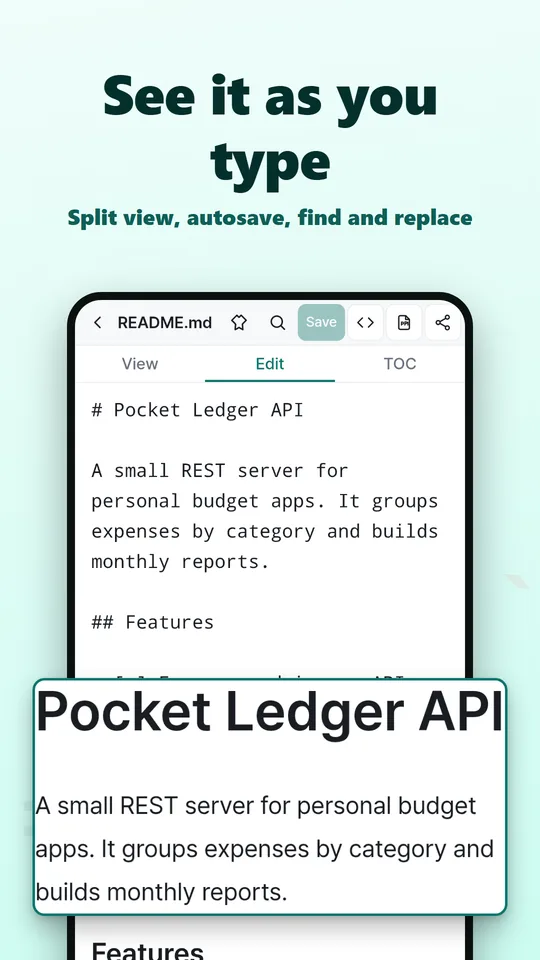
Edit and see the result side by side. Autosave, undo, find and replace, and image paste.
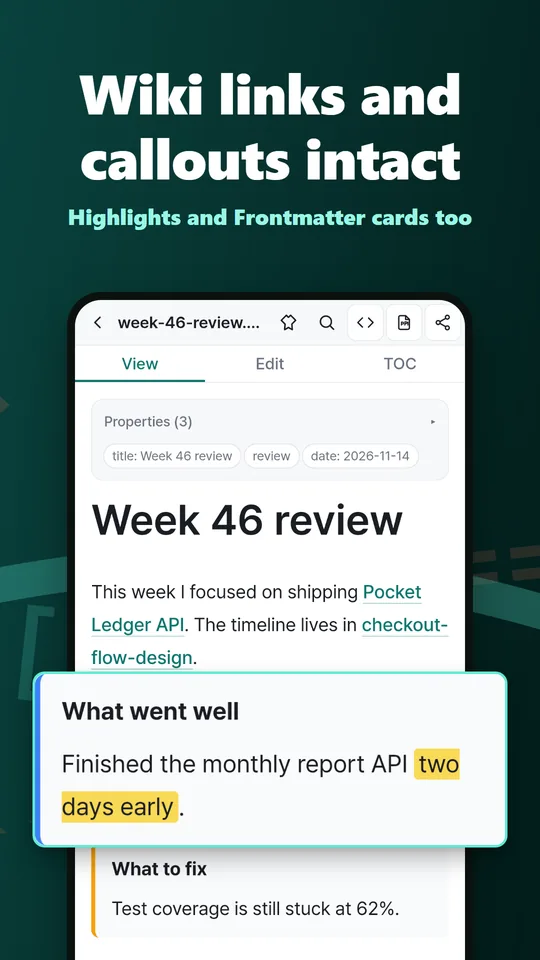
[[Wiki links]] with autocomplete, callouts, ==highlights== and YAML Frontmatter cards. A companion tool, not an Obsidian replacement.
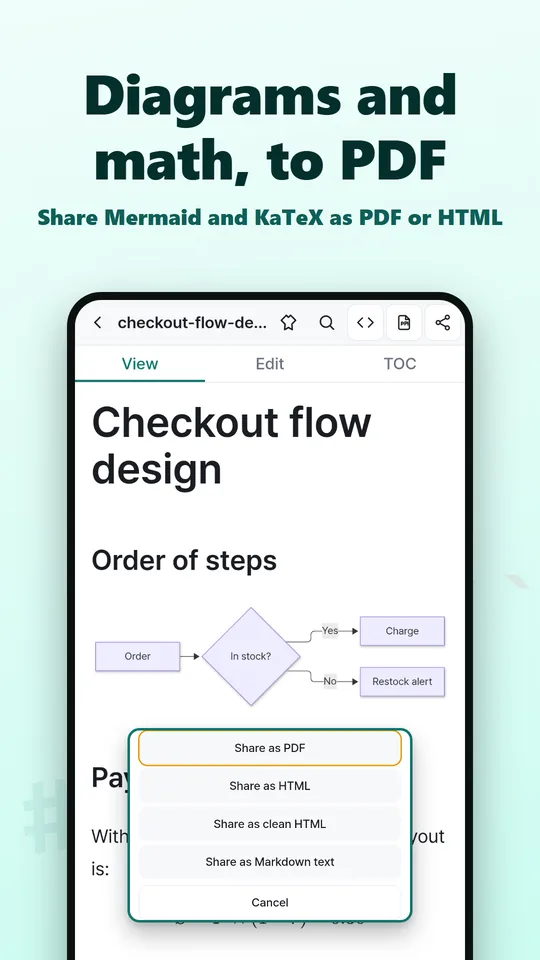
Diagrams and $…$ / $$…$$ math render in View, preview, PDF and HTML.
Share as PDF, standalone HTML, or clean HTML for blogs. Export a whole folder of notes as an HTML zip.
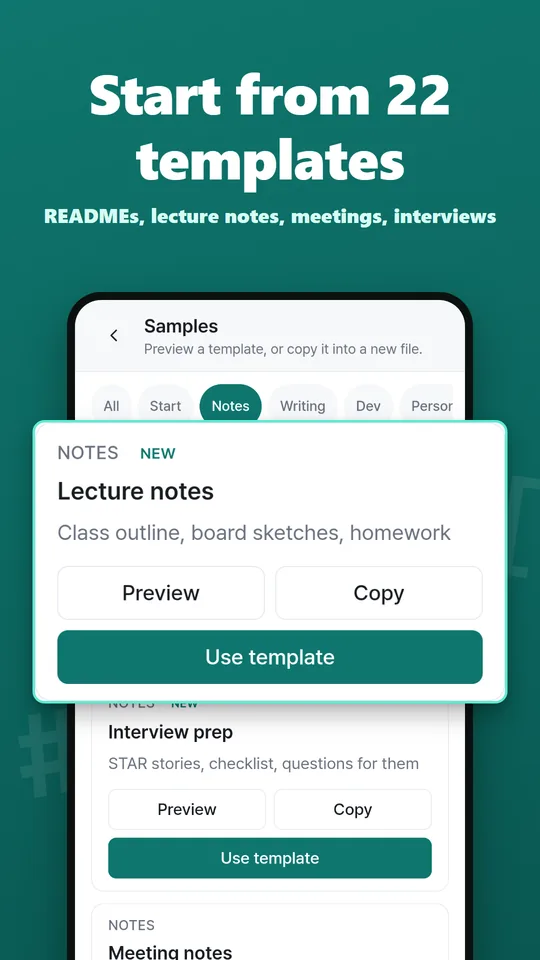
Font size, word count and reading time, Light, Dark, AMOLED and Sepia themes, a recent-files home widget, and 22 starter templates.
Swipe to see more.
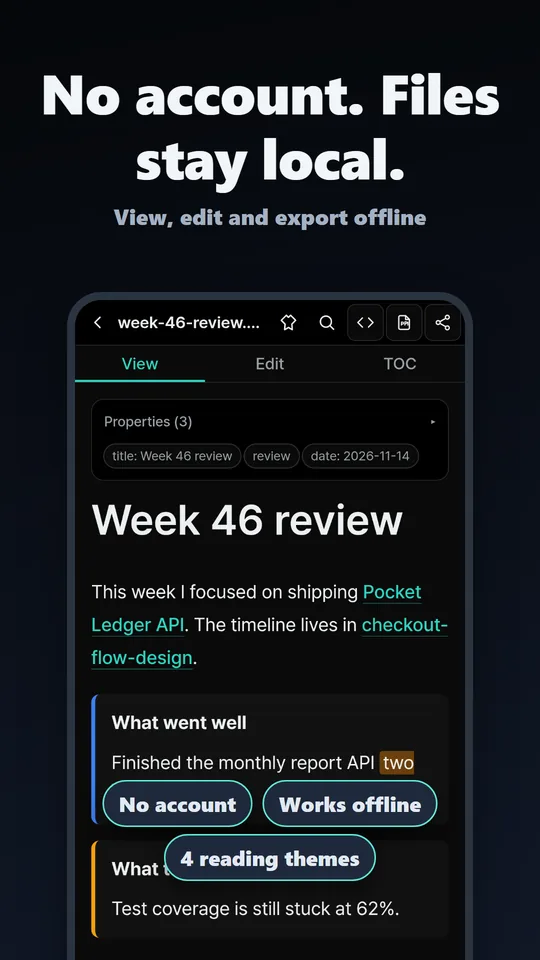
There is no sign-up, and the developer holds no account data that identifies you.
Reading, editing and exporting all happen on the phone. The developer never receives file contents, names or paths.
Only for ads (Google AdMob), Pro purchase checks (Google Play), and support requests you send. Details are in the Privacy Policy.
Reading, editing and PDF/HTML export are free. Choose Pro to remove ads and unlock extra features.
$0
Monthly
$0.99
Renews monthly
Yearly
$5.99
7-day free trial, then yearly
Lifetime
$8.99
One-time purchase
Payment is charged to your Google Play account. Cancel a subscription anytime in Google Play. Prices may vary by country and are shown in your local currency on Google Play.
Install MD Viewer, then tap a .md file in Files or Google Drive and open it with MD Viewer. Inside the app, you can add a folder or run a full scan to list every Markdown file on the device.
Yes. Export PDF from View or Edit and send it through the share sheet to a messenger, email, or Drive. HTML, clean HTML and folder zip export are also free.
Yes. Open .md files from a local vault folder and wiki links, callouts, highlights and Frontmatter show as intended, and you can edit them. There is no graph view, sync or community plugins, and it is not an Obsidian replacement.
Yes. Reading, editing and PDF/HTML export are free with ads. Pro ($0.99 a month, $5.99 a year, or $8.99 once) removes ads and adds unlimited Word export, full version restore and more.
Yes. Files stay on your device and no account is needed. The app only goes online for ads, support requests and Google Play purchase checks.
It uses the same rules as the status bar at the bottom of a document in the app. Code blocks and Markdown symbols are skipped. Words in Latin and similar scripts count at 200 per minute, Korean at 500 characters per minute, and Chinese characters and Japanese kana at 400 per minute. The total is rounded up, with a minimum of 1 minute when there is any text.
Install it, then tap any .md file in your file app. No account needed.
Get it free on Google Play